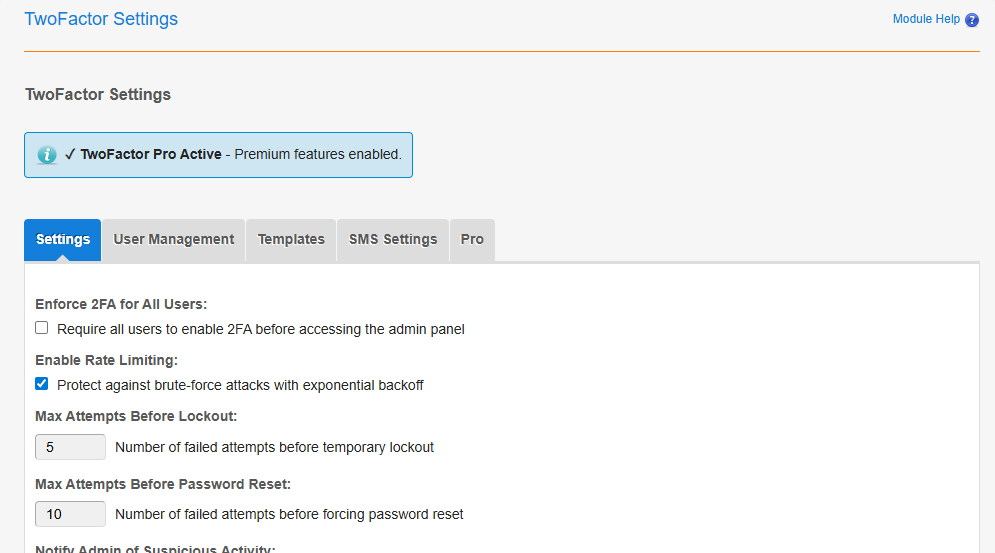
TwoFactor Pro extends the free TwoFactor module with enterprise-grade security features. You must have TwoFactor installed first.
1. Install TwoFactor (Free Version)
TwoFactor Pro requires the free TwoFactor module to be installed first. View installation instructions for TwoFactor.
2. Purchase License
Purchase TwoFactor Pro license from Pixel Solutions.
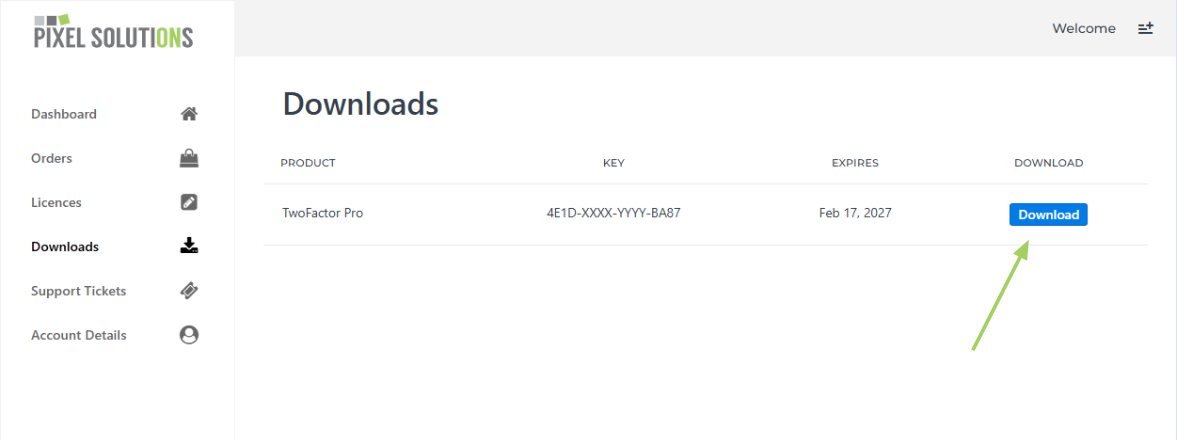
3. Download TwoFactor Pro
Download the TwoFactor Pro module from your account downloads.
4. Install Module
- Unpack the ZIP file you downloaded into the modules directory
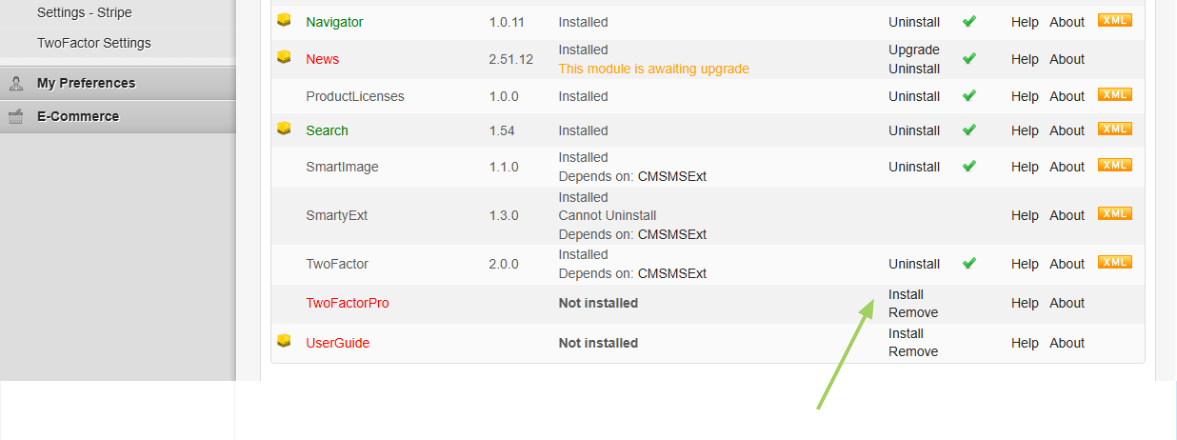
- Go to Site Admin >> Module Manager
- Once uploaded, click Install next to the TwoFactorPro module
5. Activate Your License
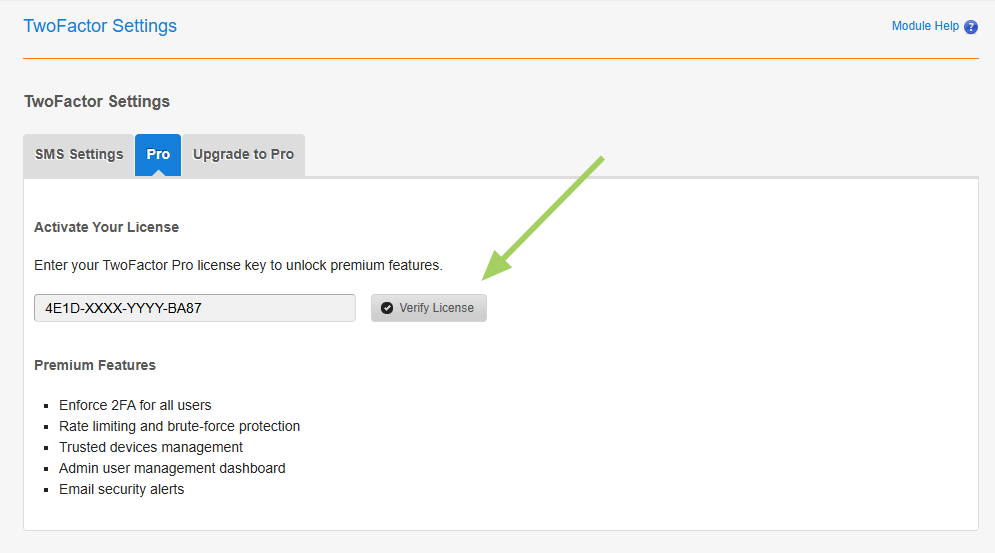
- Go to Site Admin >> TwoFactor Pro Settings
- Click the License tab
- Enter your license key
- Click Verify License
Your CMS Made Simple installation is now protected with enterprise-grade two-factor authentication. Configure Pro features in the Settings tab.